
Your measurements.Right where they belong.
Add dimensions and notes to photos. Keep every project together. Share clear records from your iPhone or iPad.
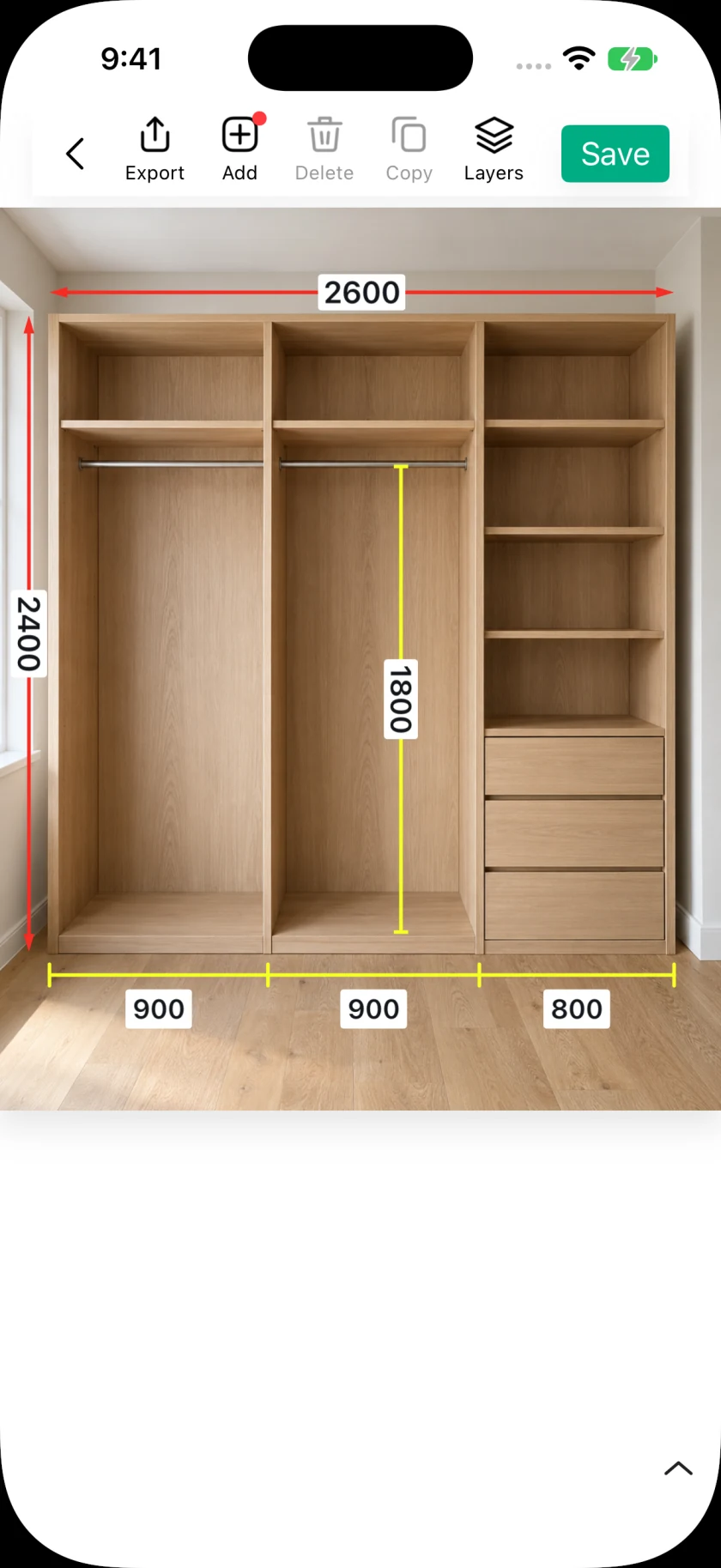
Made for the details that matter.
- Dimensions & notes
- Project folders
- PDF & image export
- iCloud sync (Pro)
Capture. Annotate. Share.
- 01
Bring your photos in.
Take a photo or import images and PDF pages.
- 02
Put every detail in place.
Add dimensions, notes, and installation details.
- 03
Send a clear handoff.
Export JPGs, PDFs, or editable project files.
Four ways to bring your measurements in.
Choose the workflow that fits the job.
Enter the dimensions you have measured, right beside the object they describe.
Use your tape measure or another trusted source, then add a dimension line and type its value. The photo keeps the number in context.
Read the how-to guideSet one known length, then calculate other dimensions using the same image scale.
A suitable reference and straight-on, same-plane image are important. A reference scale does not recover arbitrary 3D dimensions from a photograph. Creating a scale requires Pro or an available session trial.
Read the how-to guideMeasure two points in the real scene on a supported device, then fill the result into your annotation.
AR uses the live camera and requires compatible hardware and camera permission. Results are approximate and should be checked for precision-critical work.
Read the how-to guideReceive readings from a compatible Bluetooth laser meter and put them into dimension annotations.
Compatibility depends on the exact model and protocol. Check received values against the meter display; support does not cover every device from a listed brand.
Read the how-to guide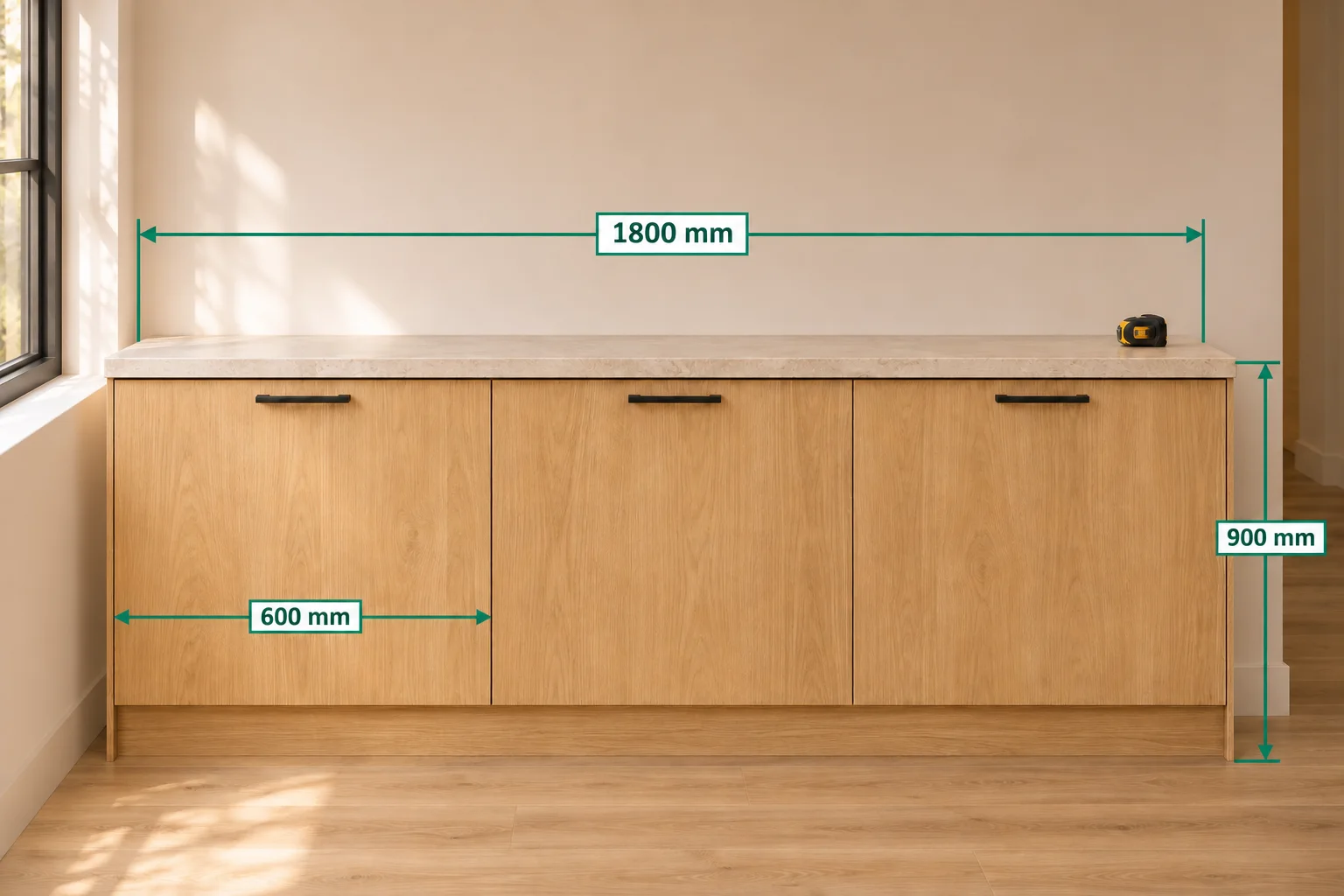
A clearer record for every job.
Explore the guidesCabinetry & installation
Show overall sizes, cabinet sections, and the details an installer needs.
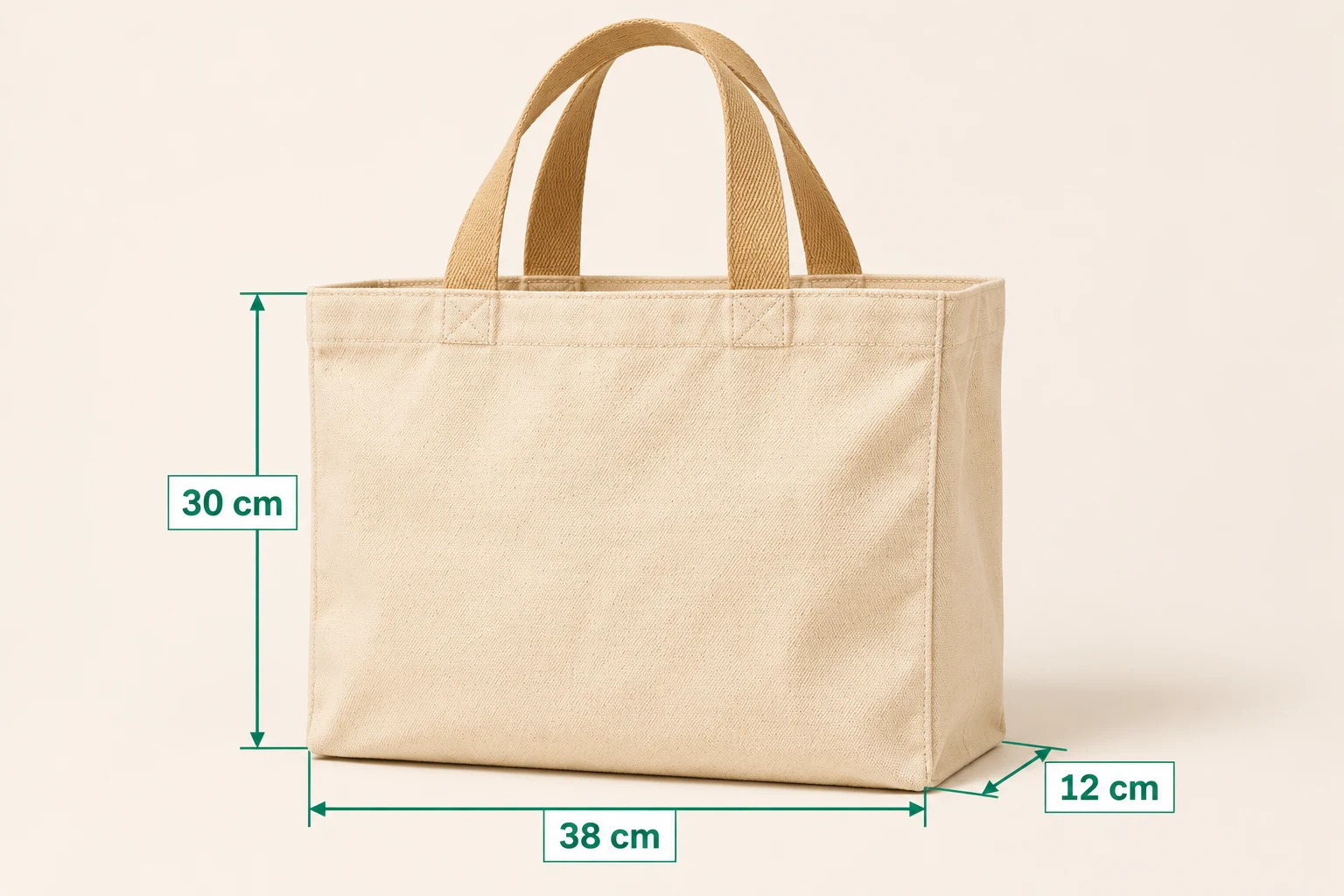
E-commerce product photos
Show product width, height, and depth clearly so shoppers can check the fit before ordering.
Renovation & interiors
Keep measured dimensions beside the photos that give them context.
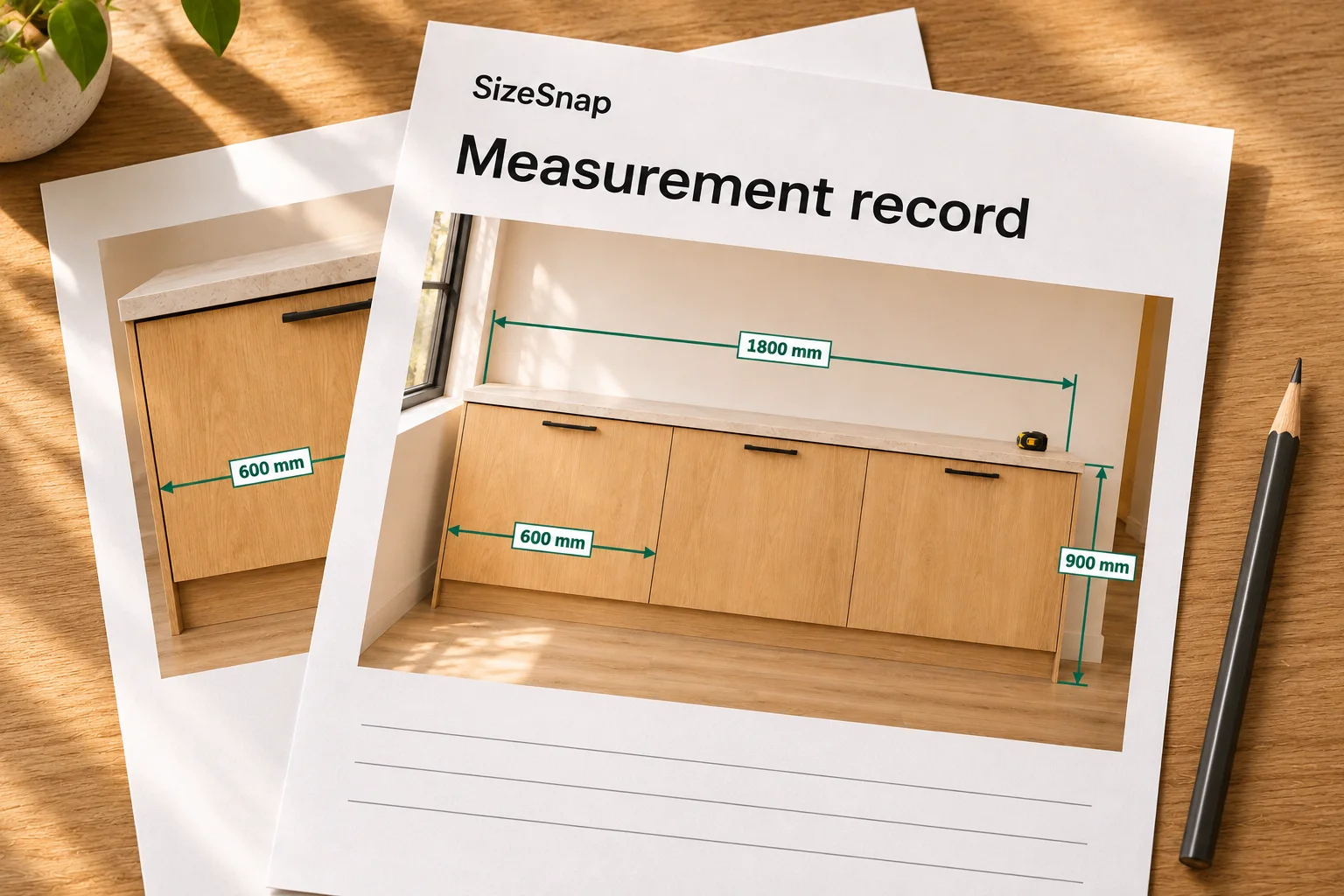
Client-ready records
Bring annotated photos together in a PDF that is easy to share.
Illustrative examples. Dimensions are for demonstration.
A few things to know.
All questions answeredDoes SizeSnap measure automatically?
SizeSnap offers different workflows: enter measurements yourself, calculate dimensions from a known reference length, use live AR measurement on supported devices, or receive readings from a compatible Bluetooth meter. It does not infer reliable real-world dimensions from an arbitrary photograph without a suitable source or reference.
What can I share with clients?
Share annotated JPGs or PDFs for easy viewing, or compatible SizeSnap project files when the recipient needs an editable copy. ZIP and long-image options are also available. Some export workflows require Pro. Audio and video remain playable in compatible project files; JPG and PDF exports contain static markers.
Which features need Pro?
Pro includes iCloud Sync, watermark-free saves, edit-history restoration, audio/video annotations, folder and long-image export, and selected advanced annotations. Reference scale, virtual cursor, and dimension leaders have limited editor-session trials for non-members. The current options and local subscription terms are shown before purchase.