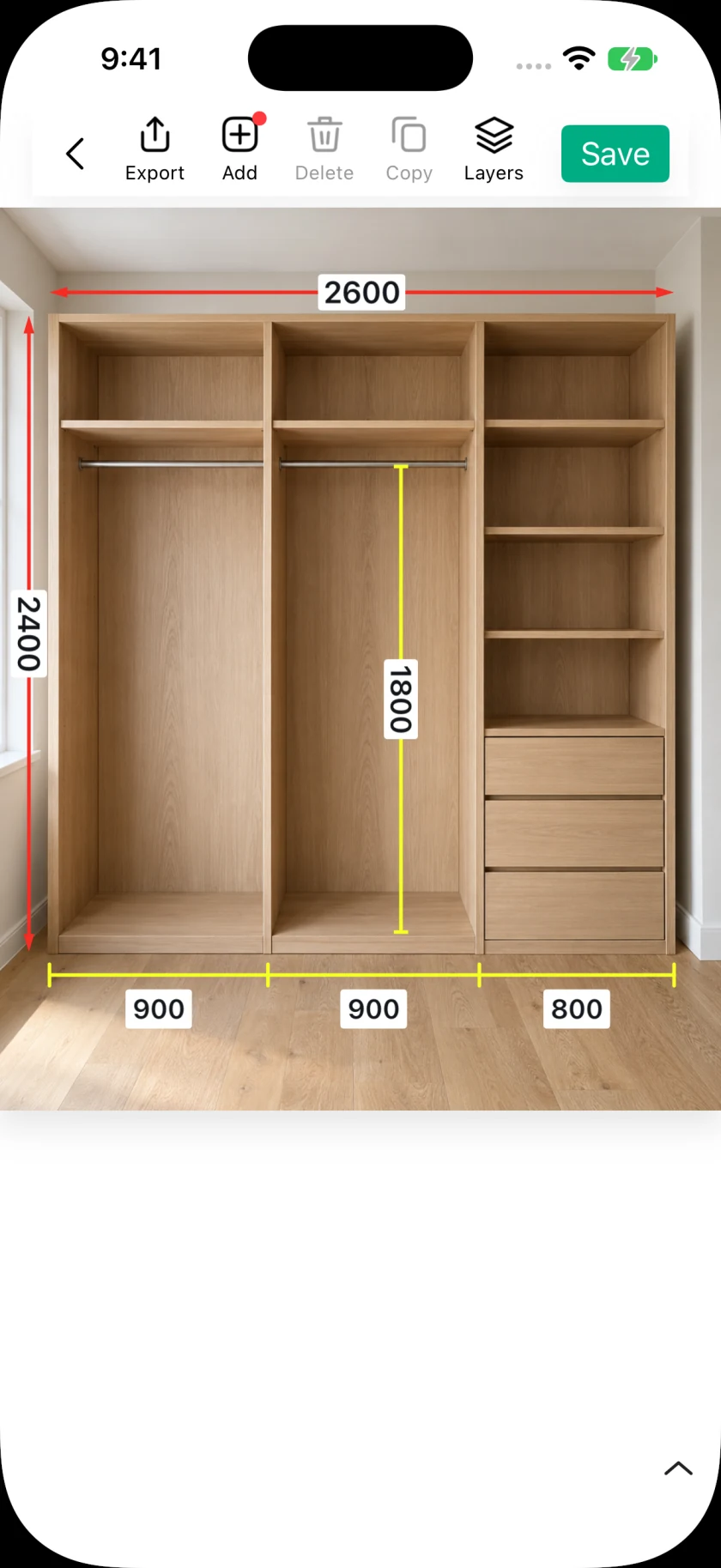
How to add dimensions to photos on iPhone and iPad
Turn a site photo into a useful measurement record. Add dimension lines, enter measured values, annotate details, and share from SizeSnap.
Read the guidePractical ways to document dimensions, explain installation details, and share work that others can follow.
Turn a site photo into a useful measurement record. Add dimension lines, enter measured values, annotate details, and share from SizeSnap.
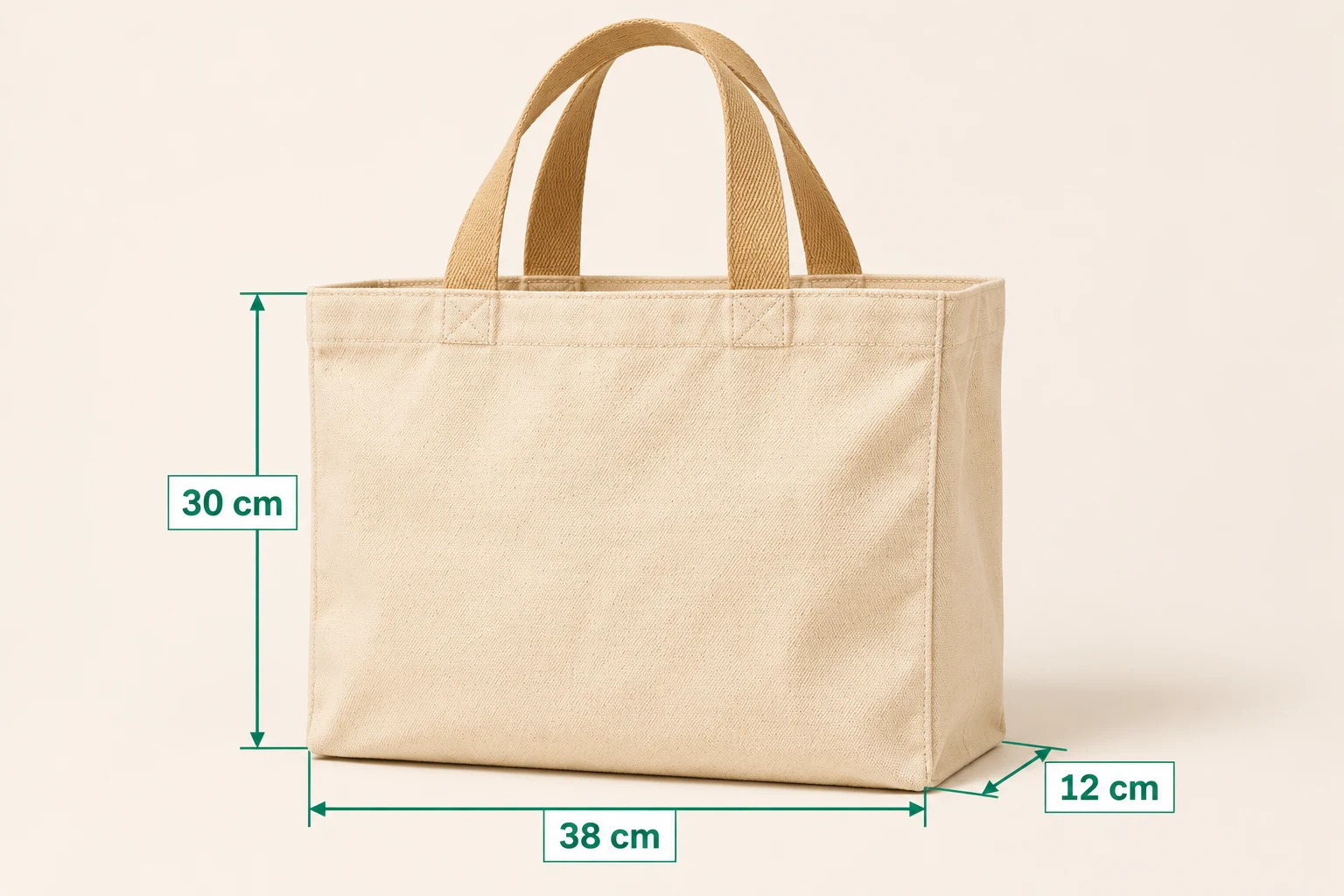
Read the guideMake product size easier to understand. Add measured width, height, and depth to product photos in SizeSnap, then export a clear JPG for your listing.
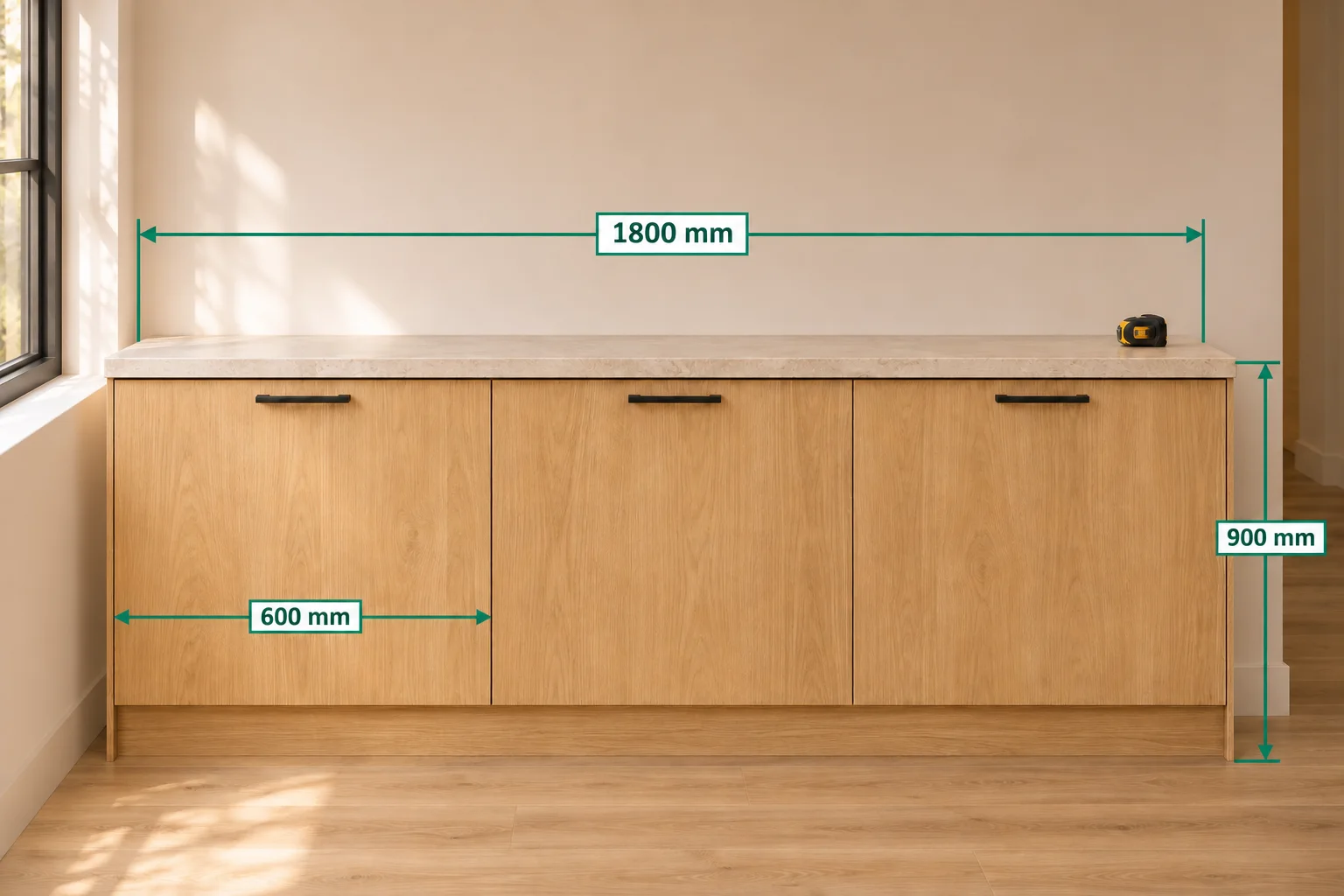
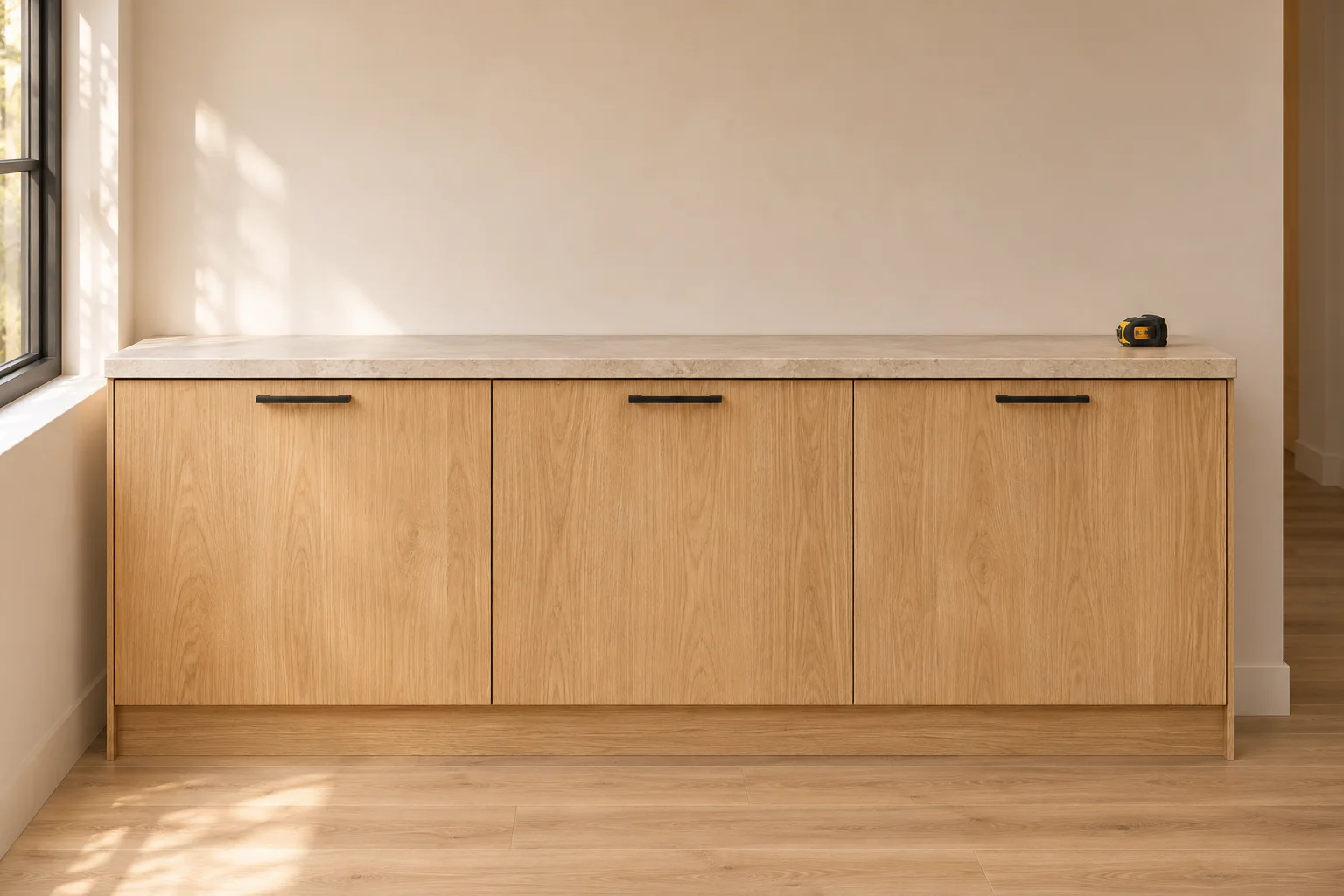
Read the guideRecord cabinet widths, reference positions, and installation details in one visual handoff using dimensions, notes, and project pages in SizeSnap.
Read the guideSet a known reference length in SizeSnap and calculate other image dimensions by ratio. Learn the setup, editing controls, and perspective limits.
Read the guideConnect a compatible Bluetooth laser meter, check its readings, and fill a selected dimension in SizeSnap. Compatibility depends on the exact device.
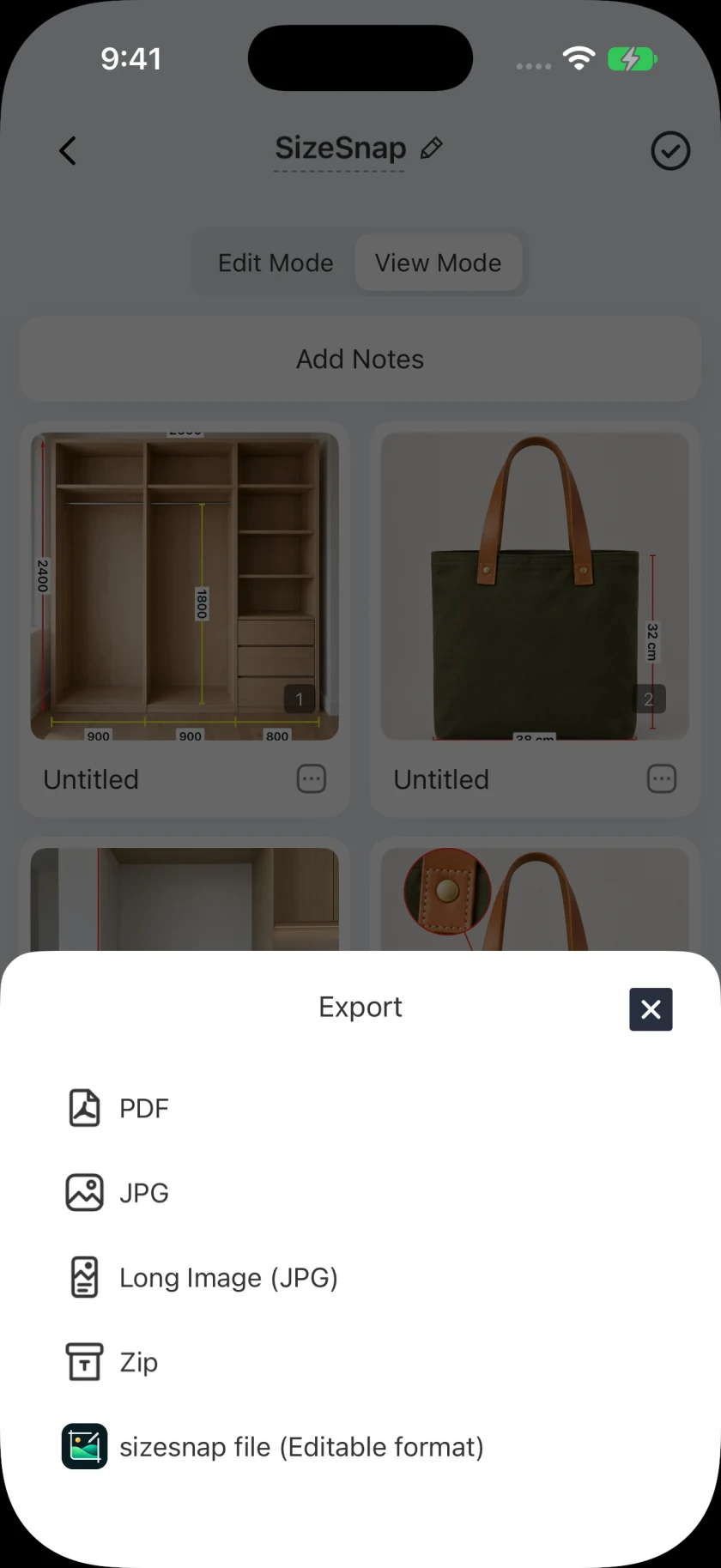
Read the guideOrganize photo measurement pages in SizeSnap and export a PDF for clients or installers. Learn when to use PDF, JPG, and editable project files.
Read the guideMeasure between two points in the live camera view on a supported device, then apply the approximate AR distance to a SizeSnap dimension annotation.
Read the guideFor iPhone and iPad Free to download. Optional Pro subscription.