
Product dimension images and SKU size charts for online stores
Create clearly labelled dimensions for Shopify, Amazon and other listings, and keep the product and package measurements separate.
Web editor

Scan with your iPhone camera
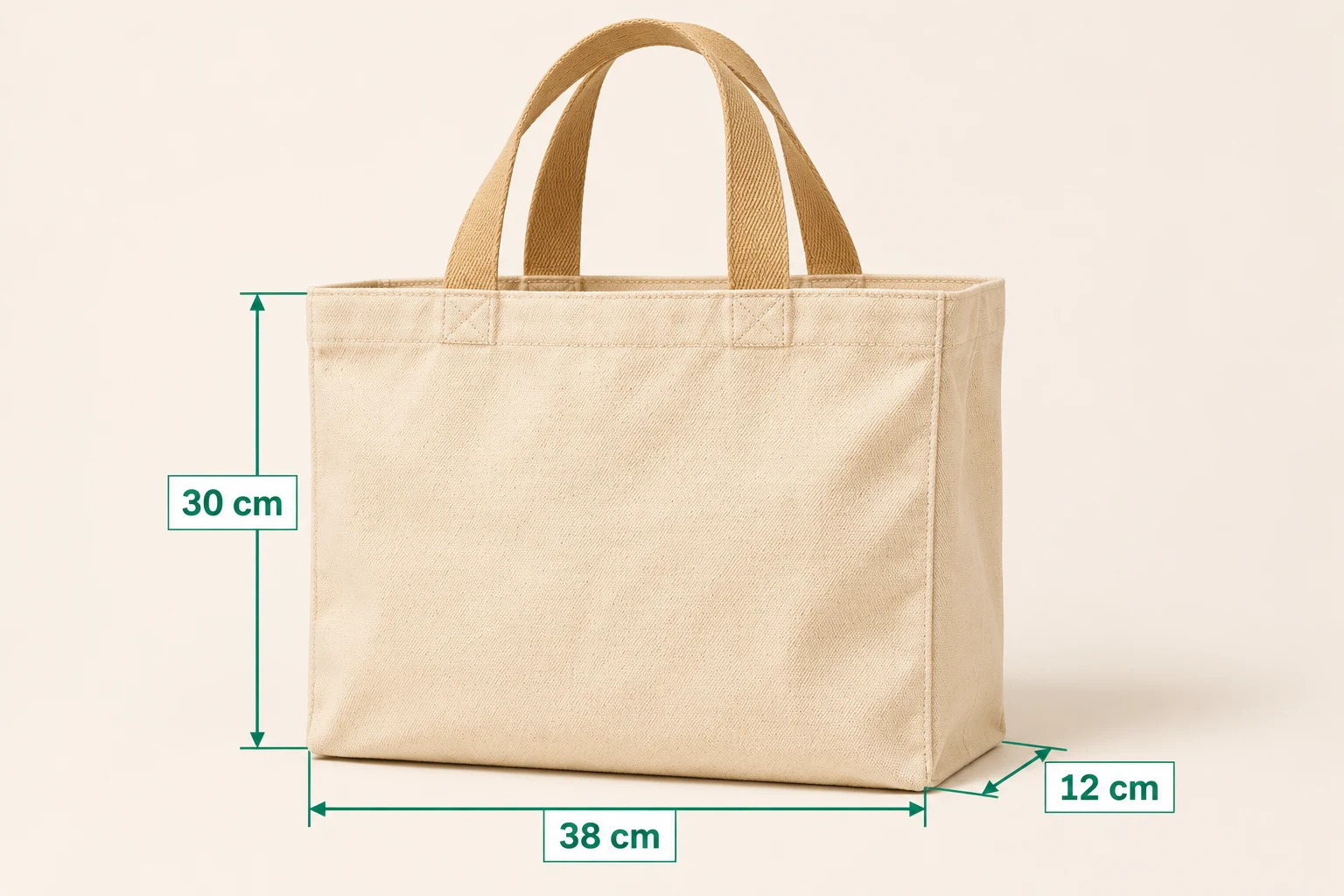
Example · build a listing image and a SKU table from one measurement set
Measure the item in its displayed configuration and photograph it against a clean background. Put width and height arrows on a front view, and show depth on a second image if it affects fit. Keep the packed shipping dimensions in a separate column so they can be checked by the warehouse.
- Use photo markup on iPhone or the web editor to attach dimensions to product images.
- Place a familiar reference beside the item at the same scale using the comparison tool.
- Export a size chart for the SKU group and check the finished artwork at mobile listing size.