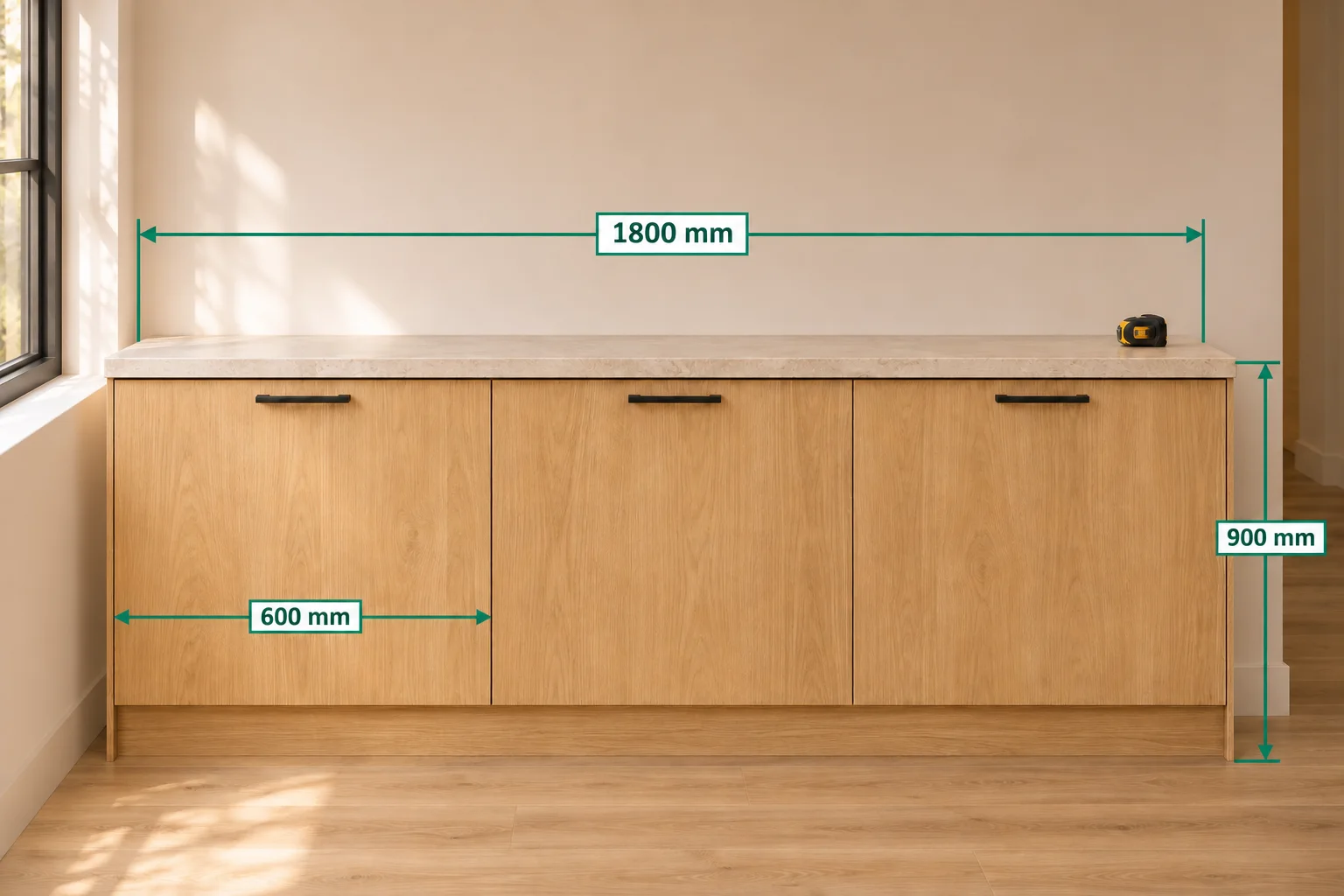
A photo helps someone recognize a space; dimensions explain how its parts fit together. SizeSnap lets you place measured lengths and notes directly on photos instead of keeping numbers in a separate message. This guide starts with values you already measured. You can also use a known reference scale, a supported device's AR measurement, or a compatible Bluetooth meter through their separate workflows.
Step by step
- 01
Start with a useful view
Take a photo or import an image into SizeSnap. Choose a view that clearly shows both ends of each dimension. For a room or installation, include one overview and separate close-ups so small details do not disappear behind a crowded set of labels.
- 02
Draw a dimension line
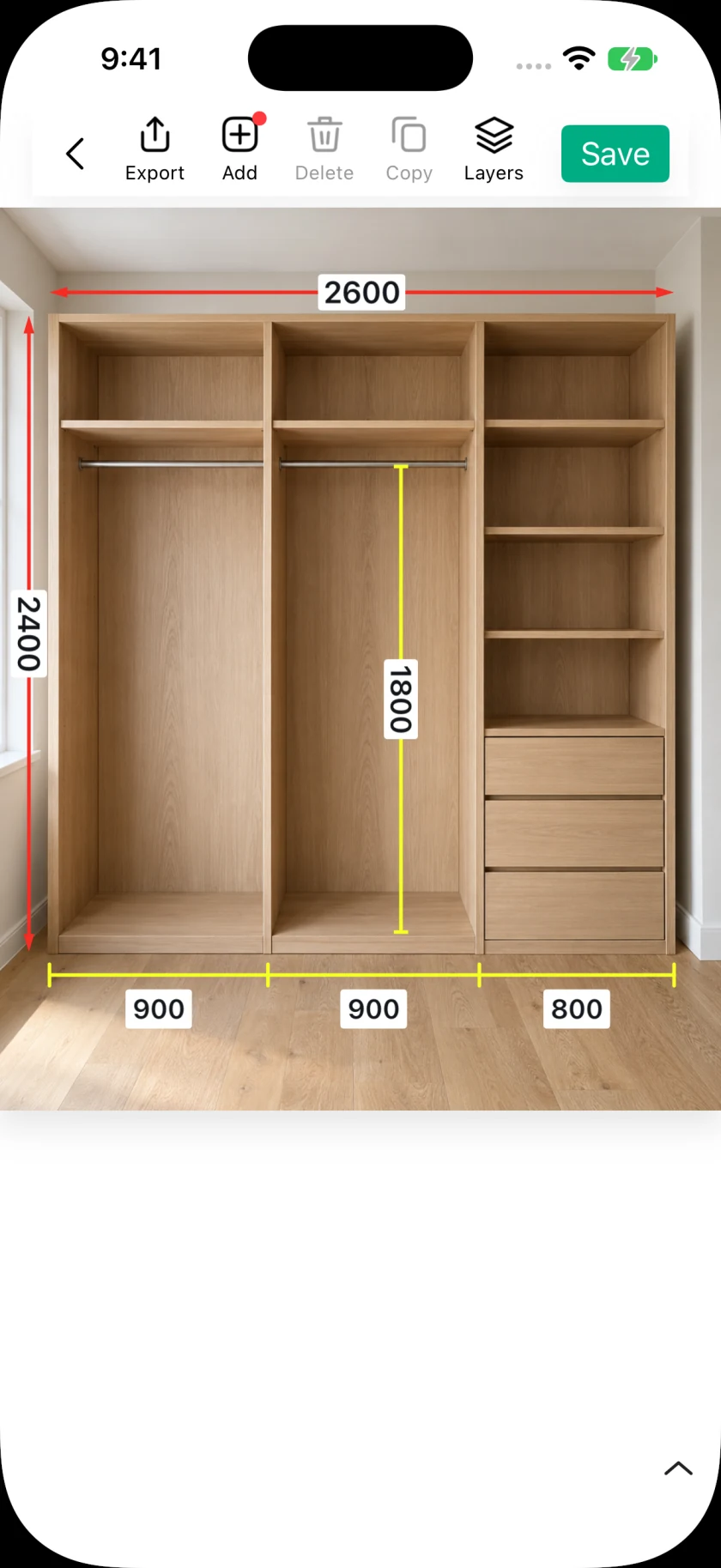
Open the image in the editor and add a dimension annotation. Position its endpoints on the objects the number describes. Slide markup lets you create an annotation by dragging across the image; you can adjust the endpoints afterward.
- 03
Enter the measurement
Select the dimension and enter the length you measured. Use the unit conversion controls when the record needs metric, imperial, or combined output. Keep the unit visible or explain it in a nearby note, especially when sharing with someone who uses a different system.
- 04
Explain the details
Add arrows or text for openings, clearances, and installation notes. Adjust label position, color, and line width for contrast. Zoom in to check endpoint placement, then zoom out to make sure the whole record is readable.
- 05
Save and share the right result
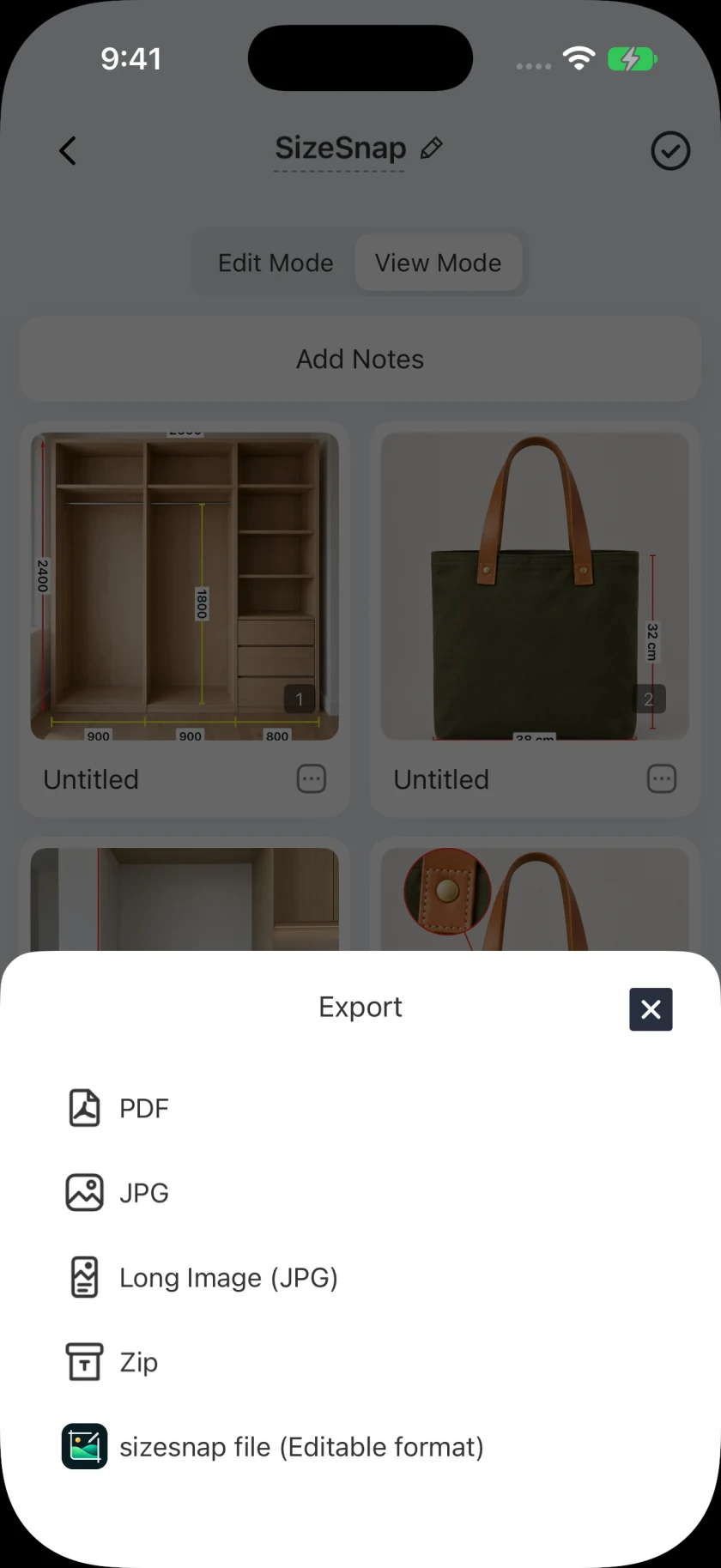
Save the editable project so you can revise its annotations later. Export a JPG for a quick visual reference or a PDF for a multipage handoff. Choose a SizeSnap project file when the recipient needs compatible editable content rather than a flattened image.
Good to know
The photo does not supply the numbers by itself
Drawing a line in this workflow records the value you enter. It does not determine an unknown physical length from an arbitrary photo. Check the original measurement and its endpoints before anyone relies on the exported record.
Check feature access in the app
SizeSnap is free to download, with optional Pro features. Watermark removal and some advanced tools require Pro; selected tools also offer limited free uses. The app shows the applicable access and subscription terms before purchase.